
Setting the Admin Email for your Website
The Admin email address will be the address that Digital PTA uses to notify you when a user interacts with your blog. If you need to update the Admin Email Address, it is as simple as going to the general settings page and changing it.
Click GENERAL in Settings Menu and Enter new Email Address
 Click GENERAL under the Settings Menu on the left side. Enter the new email address you want to assign to your website and click SAVE CHANGES. Please Note: You will need to confirm this email before it will become active.
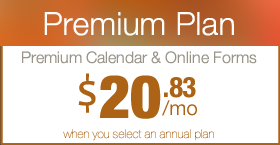
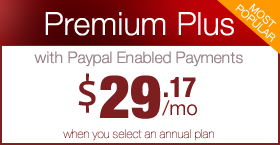
 Are you a Premium Plan member yet? It might be time to get started.





 Need More?