
This Quick Tip Video demonstrates how to add a Featured Image to any news post on your Digital PTO website.
How to add a Featured Image to your News Posts
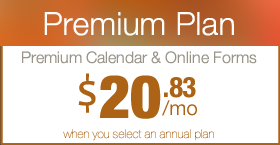
 Are you a Premium Plan member yet? It might be time to get started. Learn More »
Newest Feature Releases




 Join Premium!
Events Calendars & Email Templates
Learn More »
 Need More?
We would love to hear from you.
Suggest a Tutorial »